Stock research platforms compared: Koyfin, TradingView, and Morningstar Investor
Compare Koyfin, TradingView, and Morningstar Investor by research workflow, stated tools, plan limits, and reader fit—without an overall winner.
In this comparison



There is no universal “best” stock-research platform. Koyfin, TradingView and Morningstar Investor emphasize different jobs: Koyfin presents financial data, estimates, screening and dashboards; TradingView emphasizes charts, alerts and multi-market technical workflows; Morningstar Investor centers on research, ratings and portfolio context. The right fit depends on the question you are trying to answer, not on a generic ranking.
This comparison uses current first-party pages and formal disclosures checked 2026-09-08. It is not hands-on testing, an affiliate review or personalized advice. Prices and features can change; use the official pages linked below before subscribing.
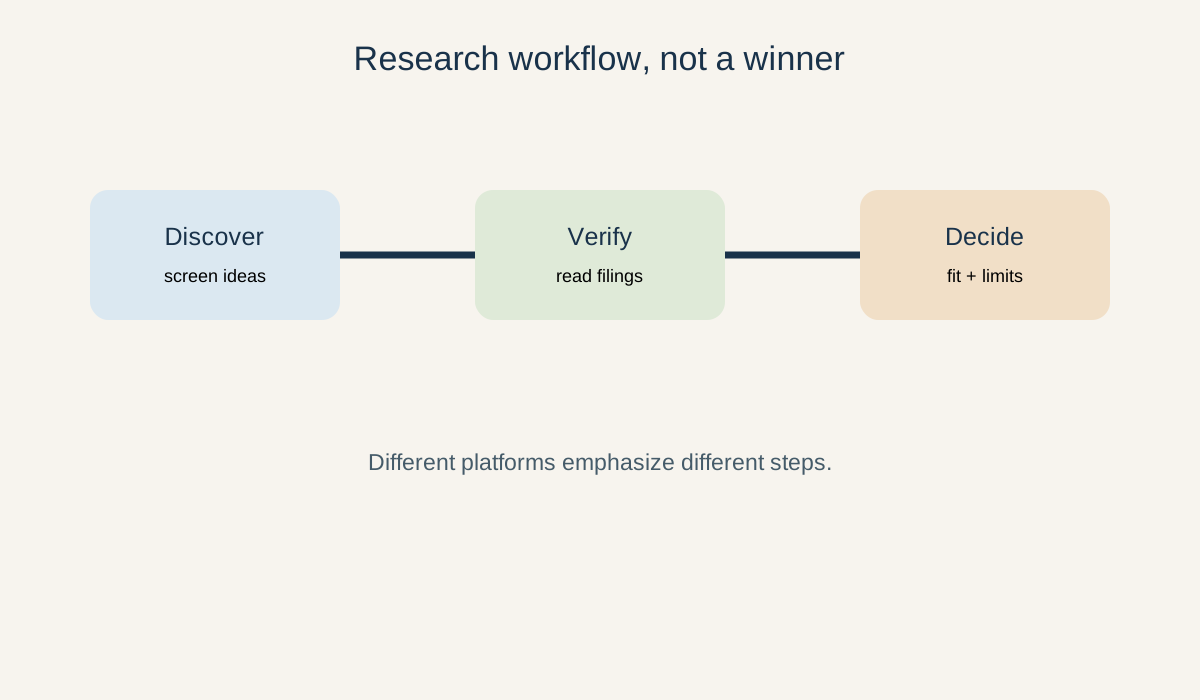 Visual: a platform can help with discovery without replacing primary-source verification.
What each platform says it is for
Koyfin: data-heavy research and dashboards
Koyfin’s pricing page describes a free entry plan with market and macro dashboards, advanced charting, limited watchlists and limited snapshots. Its Plus and Premium plans add broader financials and estimates, screeners, watchlists, custom dashboards, portfolio analytics, custom data and formulas. Advisor plans add client and model-portfolio workflows. The exact feature split and price should be rechecked on Koyfin’s official pricing page.
Koyfin may fit a reader who wants to compare companies, build a reusable dashboard, screen stocks or examine estimates and filings in one workspace. Limits include plan gating, data coverage differences and the risk of treating a dashboard as a substitute for an issuer’s filing. Koyfin’s own plan descriptions do not establish that a data point is complete or that a security is suitable.
TradingView: charting, alerts and market views
TradingView’s official pricing page lists a free plan and paid tiers with different chart counts, indicator limits, historical bars, alerts and data options. It offers web, desktop and mobile access; some market data may require separate subscriptions or professional/non-professional treatment. TradingView also states that it does not provide brokerage services and that platform information is educational rather than investment advice.
TradingView may fit readers whose main job is chart-based observation, alerts, technical layouts or multi-market monitoring. Limits include alert and chart caps, the learning cost of technical tools, market-data entitlements and the possibility of over-focusing on price patterns. A chart does not replace financial statements, risk disclosures or a trading plan.
Morningstar Investor: research, ratings and portfolio context
Morningstar’s Investor FAQ says Morningstar Investor supports goal-focused investing, research across multiple investment types and tools for individual investors. Morningstar’s product pages emphasize research, data and portfolio tools; the exact offer can vary by market and subscription. Ratings and analyst research are inputs, not guarantees or personal recommendations.
Morningstar Investor may fit a reader who wants fund, ETF and stock research alongside portfolio context and long-term planning tools. Limits include regional availability, subscription scope, rating methodology and the need to read the underlying disclosures. A rating is not a promise of future performance.
Compare the workflow, not just the feature list
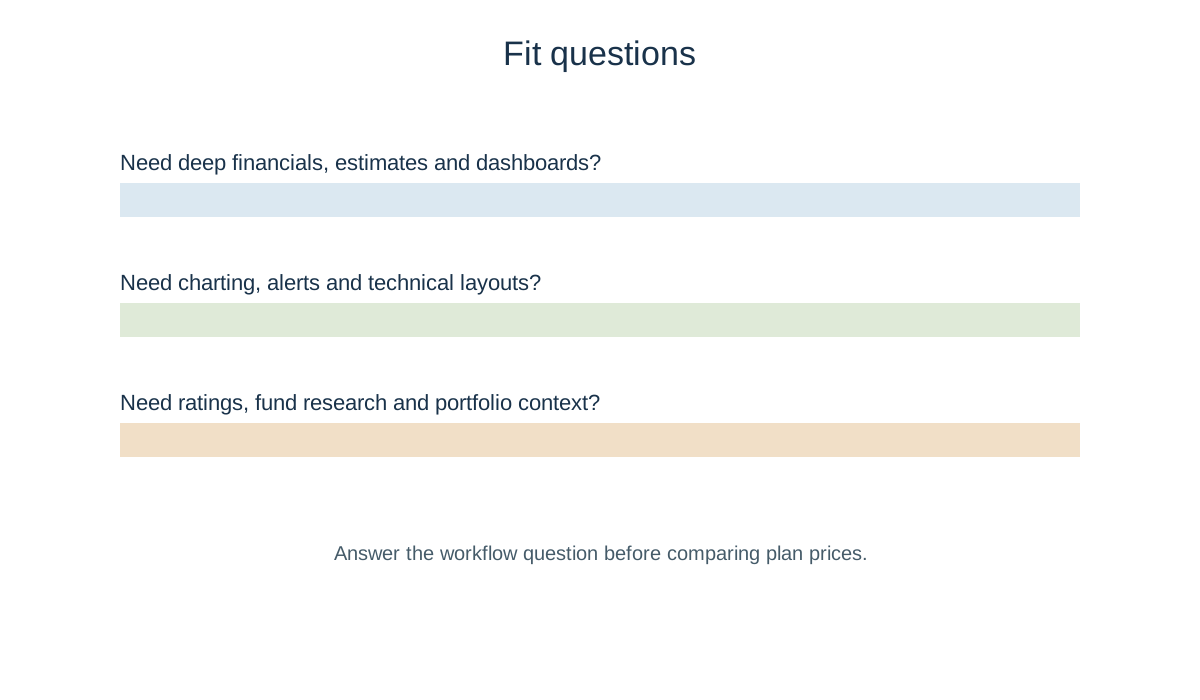 Visual: start with the work you need to do, then inspect plan limits.
Scroll sideways or use arrow keys to read the full table.
| Research job | Koyfin | TradingView | Morningstar Investor |
|---|---|---|---|
| Screen and compare financial data | Strong stated emphasis on financials, estimates and screeners | More chart- and market-view oriented | Research and ratings context; scope varies |
| Technical charts and alerts | Advanced charting is listed on paid tiers | Core product emphasis | Not the primary product emphasis |
| Portfolio context | Portfolio analytics on higher plans | Watchlists and market monitoring | Portfolio and goal-oriented context |
| Primary-source discipline | Still requires issuer filings | Still requires issuer filings | Still requires issuer filings |
| Main limits to check | Plan, data and geography | Alerts, charts and data entitlements | Region, subscription and methodology |
The table is a reader-fit map, not a scorecard. Feature availability can change by country, plan and asset. Before using any platform to study a company, confirm the exact ticker, issuer and share class; this guide explains why those fields matter.
A neutral selection routine
- Write the job: screening, charting, portfolio review, filing research or a combination.
- Check the free or trial scope without assuming it includes live data or every market.
- List the data you actually need: financial period, estimates, alerts, fund coverage, export, portfolio connection or filings.
- Read renewal, cancellation, data-entitlement and regional terms on the official page.
- Verify important claims in the issuer’s primary filings. A platform is a research aid, not the source of the company’s legal disclosures.
- Keep a fallback workflow: regulator filings, company investor relations and a simple notes file.
Risks and limits for young investors
Paid research can create subscription cost without improving decisions. A polished interface can encourage false precision, excessive checking or short-term trading. Ratings, estimates and technical signals are models or interpretations with assumptions. Market data may be delayed, incomplete or separately licensed. Portfolio connections can create privacy and security considerations. None of these products guarantees profit, liquidity or protection from loss.
Takeaway
Koyfin, TradingView and Morningstar Investor are different tools for different research habits. Choose by the workflow you can explain and verify, then keep the primary documents in view. This is general education, not investment, tax or legal advice; recheck official pricing, features and regional terms before subscribing.